

Player rating
BC Game Denmark App: Android, iPhone and Mobile Play
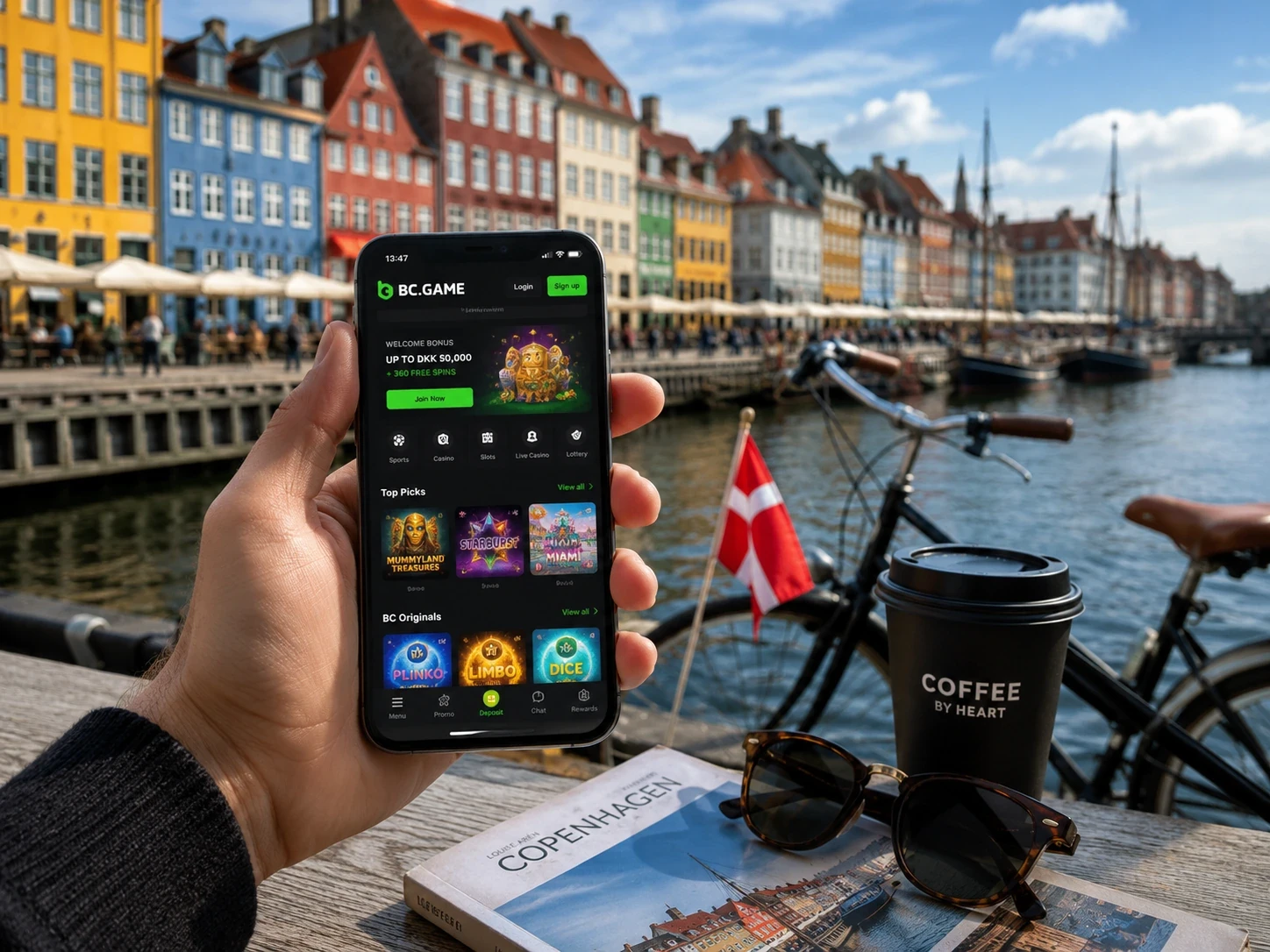
Open on mobileBC Game works on mobile with the same profile you use on desktop. The Wallet, Sportsbook tickets, Casino activity, active bonuses and security settings stay connected. You do not create a phone-only account, and you do not move funds into a separate mobile balance. That makes it easy to switch between a laptop at home and a phone on the train without losing track of history.
The full mobile site is available through a browser. Slots, Live Casino, BC Originals, Wallet, Transaction, Rollover, My Bets and promotions all fit into a responsive layout. Installation is optional. If browser access already gives you the experience you want, there is no reason to install an unknown file just to create an icon.
Android: browser, shortcut or install
Chrome is the simplest Android route. Open the current BC.GAME page, log in and check that Wallet history and recent activity look familiar. If you want quicker access, add the site to the Home Screen. If BC Game shows an Android download or Install App option, use that trusted route rather than an APK from a private message, file mirror or unrelated app directory.
- Open the current verified BC.GAME route in Chrome.
- Use Android download or Install App only if BC Game displays it.
- Open the downloaded file from Chrome or Downloads.
- Allow installation only for the current file.
- Launch BC Game and sign in to the existing profile.
- Remove temporary unknown-app permission afterward if Android no longer needs it.
If an Android update breaks a shortcut, start from the browser again. Create a fresh shortcut from the current page instead of clearing profile data or changing your password. A Home Screen icon problem is not the same as a Wallet or bonus problem.
iPhone and iPad
On iOS, open BC.GAME in Safari, tap Share and choose Add to Home Screen. The icon opens the mobile web version of the same profile. Removing the icon does not remove funds, bonuses or history. On a shared iPad, sign out after use because the shortcut can remain visible to the next person using the device.
If the shortcut later opens an unfamiliar redirect, delete it and create a new one from the verified page. Do not enter credentials on a page that looks unexpected just because the icon title says BC Game.
What stays synchronized
| Area | What remains connected |
| Login | Email/phone or connected Google/Telegram method |
| Wallet | Balances, deposits, withdrawals and Transaction records |
| Casino | Slots, Live Casino, table games and BC Originals |
| Sportsbook | Pre-match/live markets, bet slip and My Bets |
| Bonuses | Bonus balance, campaign status and Rollover |
| Security | Verification, password controls and Google Authenticator 2FA |
If mobile login opens an empty-looking Wallet, check the method used to sign in. A different connected route can open a different profile. Familiar Transaction records, recent casino titles or My Bets are the fastest way to confirm that you are in the correct place.
Crypto deposits from a phone
Open Wallet > Deposit, choose the asset and network, copy the address and then use the same network in the external wallet. Copy and paste are safer than typing on a small keyboard. After paste, compare the first and last characters of the address. If BC Game displays a Memo or Tag, copy that value too.
If a transfer is delayed, do not send another one to test the route. Open Transaction and keep TxID/hash, asset, network, amount and address ready. An external wallet can show a transfer as completed before the BC Game profile credits it, so both records may matter.
Mobile Casino and Sportsbook
On a small screen, good navigation habits matter. Use Search, Favourites and provider filters in Casino. Use competition filters in Sportsbook and open the event page before selecting a detailed market. This reduces accidental taps on crowded pages.
Live betting can be quick on mobile, but the bet slip remains the final checkpoint. Read the market, current odds and stake before Place Bet. If the connection drops after confirmation, open My Bets before tapping again. The first action may already be saved.
Mobile troubleshooting
If the site works on desktop but a phone screen feels crowded, do not assume the function is missing. Mobile layout often folds controls into menus, tabs or horizontal scrolling. Check the profile menu, the Wallet tabs and the event page before reinstalling anything. A layout difference is easier to solve than an unnecessary password reset or duplicate profile.
After a mobile browser update, saved sessions can behave differently. If you are logged out, use the same login method as before and verify familiar records after entry. Clearing cookies removes browser state, not Wallet history.
- Site does not load: verify the current BC.GAME route.
- Shortcut is outdated: create a new one from the verified page.
- APK will not update: use the update route shown by BC Game.
- 2FA fails: set phone date/time to automatic synchronization.
- Deposit is missing: open Transaction and save TxID/hash details.
- Sports ticket question: open My Bets and copy the ticket ID.
- One section is slow: check its own history before reinstalling anything.
Public Wi-Fi, shared devices and clipboard behavior also matter. Do not save passwords on a hotel computer. Do not ignore browser warnings. When copying crypto addresses, verify the pasted text. Mobile convenience should not remove the confirmation step.
BC Game Denmark App FAQ
If you use both desktop and mobile, treat mobile as a different screen for the same profile rather than a separate product. The same security rules apply. A phone with saved login should be protected with a screen lock, and a shared tablet should be logged out after use. Convenience is useful only when it does not weaken access control.
If one feature behaves differently on mobile, check whether it is a layout issue before assuming the profile changed. A menu may move behind an icon, a table may scroll horizontally, and a filter can be folded under a smaller button. The Wallet and histories remain tied to the same login.
Can I play without installing an APK?
Yes. The mobile browser version can open the main BC Game products.
Does iPhone use a separate app balance?
No. The Safari shortcut opens the same profile and Wallet.
Where do I check a mobile deposit?
Wallet > Transaction.
What should I do if the shortcut breaks?
Open the current verified route in the browser and create a new shortcut.